How Can We Help?
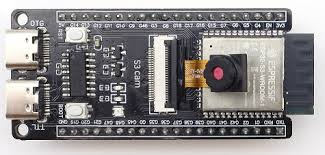
ESP32-S3 Camera OV5640
WEB SERVER CAMERA
this Requires a Router or Modem access for the ESP to Connect to get an IP address
this is a 5MP Camera WROOM ESP by ESPRESSIF
installation
- put the Board into Boot mode by the boot button and plug the USB to USB-OTG
- on Arduino IDE goto Tools > Board > Board Manager
- look for ESP32 by ESPressif Systems , Note this is 3.5GB in Size so if you wish to run Arduino Portable you can do the following
- create a new folder named
portable/packagesin that main installation directory, alongside thearduino.exefile and other default folders likehardware,examples, etc. - Restart Arduino IDE
- Proceed in Board manager to install the board
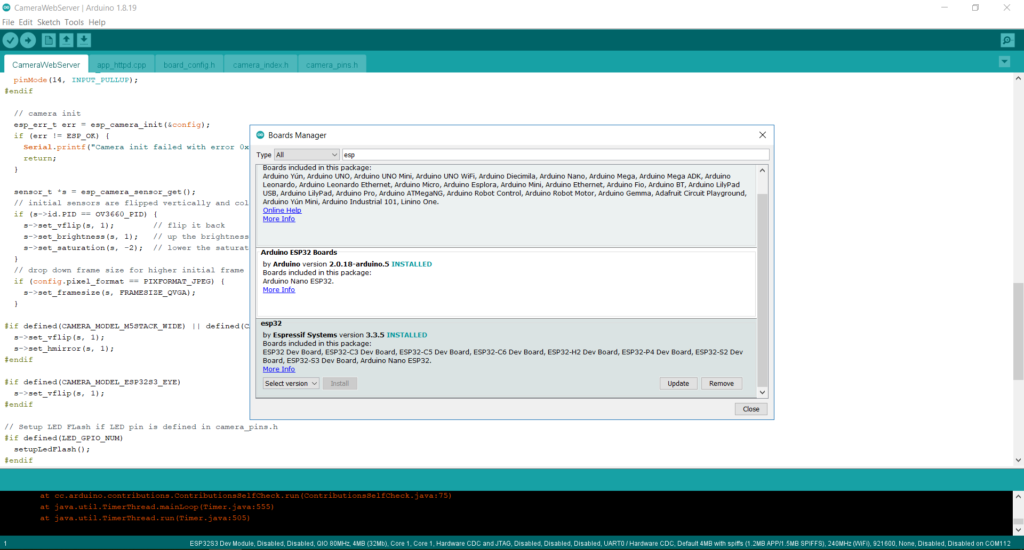
select board Tools>board>esp32-s3 dev module
WIFI credential
on CameraWebServer Tab
// ===========================
// Enter your WiFi credentials
// ===========================
const char *ssid = “Router_SSID”;
const char *password = “Router_Password”;
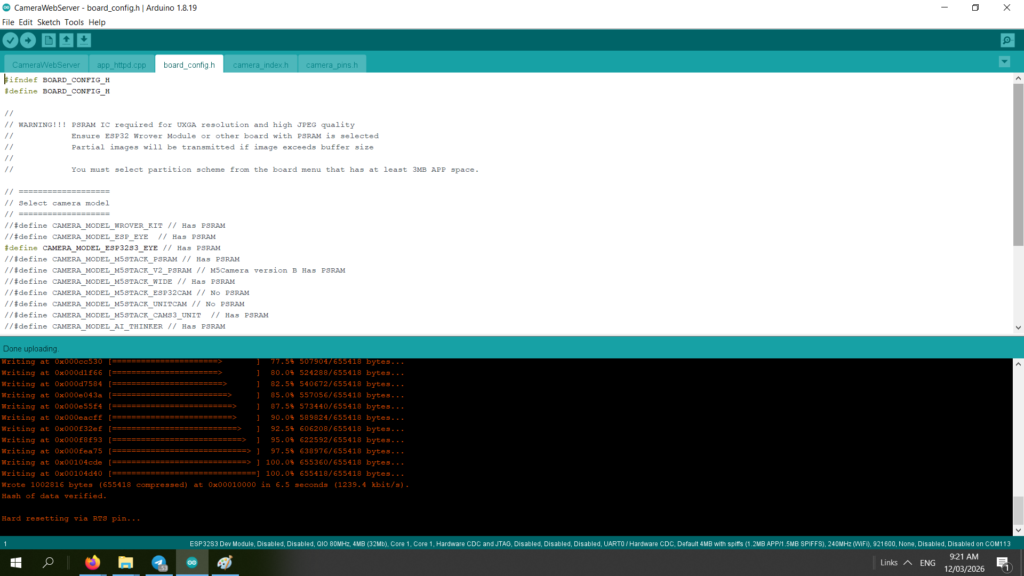
Select board camera
on Board_config.h
the model for this is ESP32S3_EYE has PSRAM
Uncomment it and upload
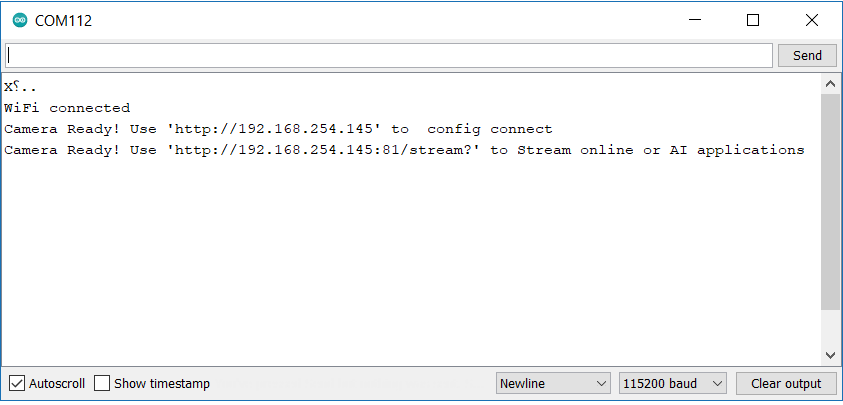
Monitor to Get IP
after upload reconnect your Board USB on USB-UART or TX-RX via FTDI TTL USB
hit reset button if needed to reconnect
Access Point
This code for Access point which your device , Computer or Phone connects directly to the ESP32-S3 Camera
ssid = Syner-IPC-A
password = Syner-IPC-A
configure page = http://192.168.1.1
stream page = http://192.168.1.1:81/stream?
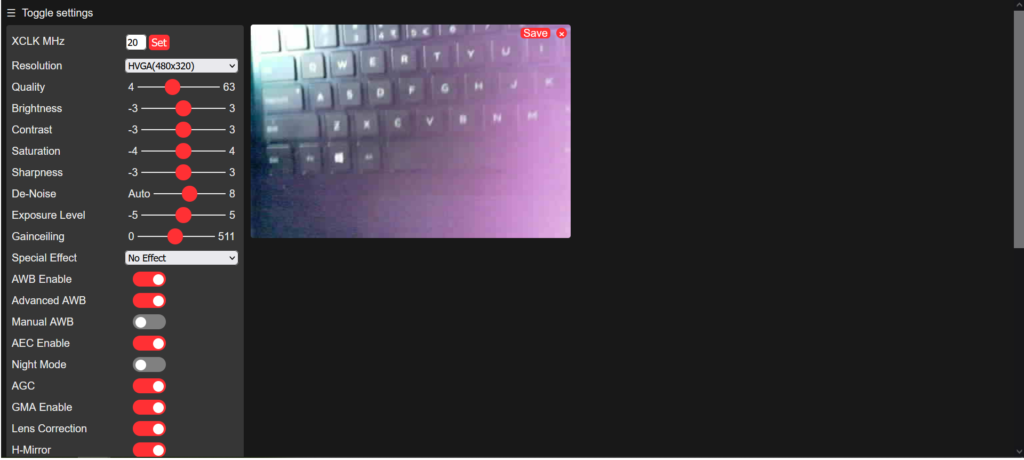
Config camera
Browser type IP as given by (WebServer) serial monitor or (Access Point) http://192.168.1.1
use the Config Connect IP to setup your camera
Stream camera
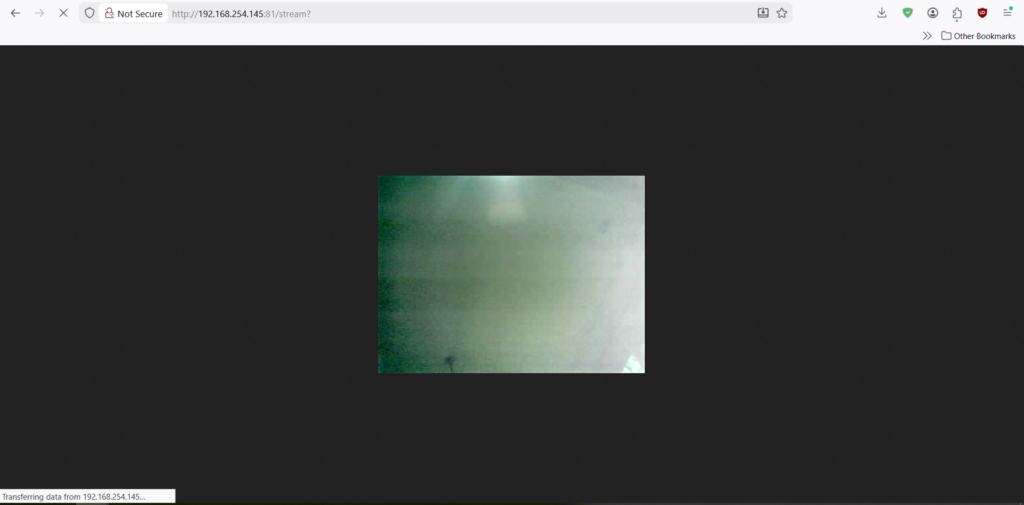
use the Stream IP to view steam video
Browser type IP as given by (WebServer) http://Your IP/stream? serial monitor or (Access Point) http://192.168.1.1/stream?